
ScanME
Scan Made Easy
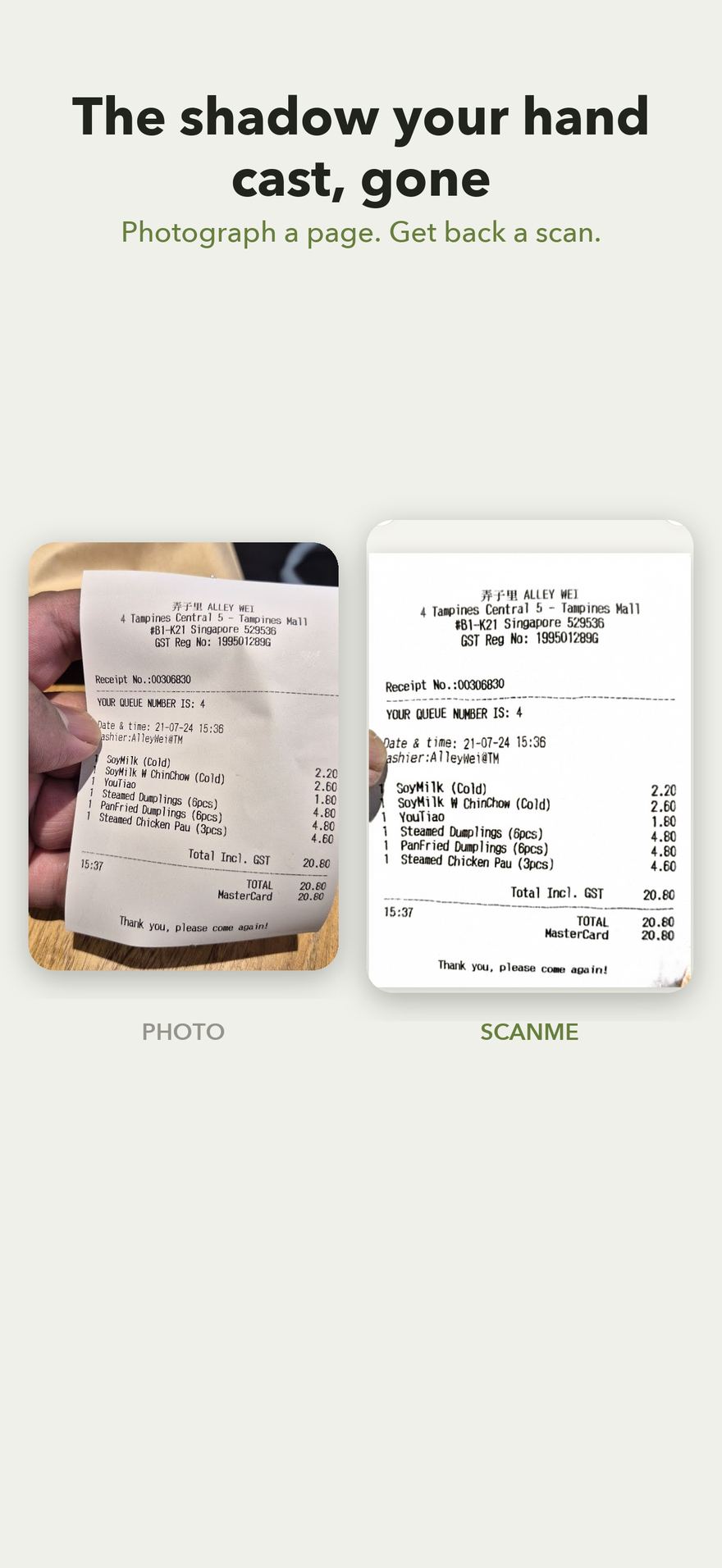
Photograph a page. Get back something worth keeping — cropped square, flattened and evenly lit. Receipts, notes, recipes, forms, letters, book pages, whiteboards.
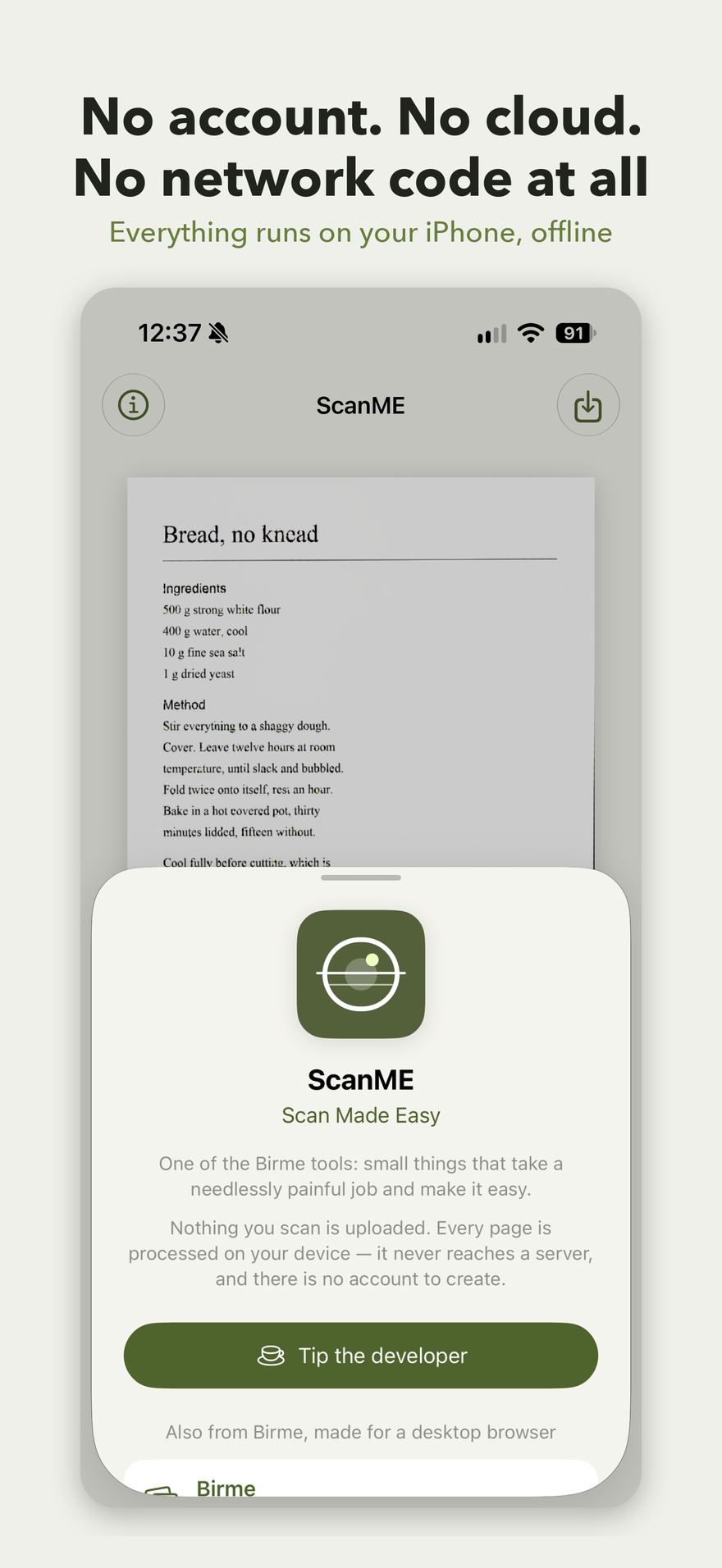
Everything happens on your iPhone. Nothing is ever uploaded, because there is nowhere to upload it to.
Free. iPhone and iPad, iOS 18 or later.
What it does
Finds the page
Detects the page, crops it, and squares up the perspective. No dragging corners, no tracing the outline by hand. If it cannot find a page it leaves your photo alone, rather than cropping it wrongly.
Evens the lighting
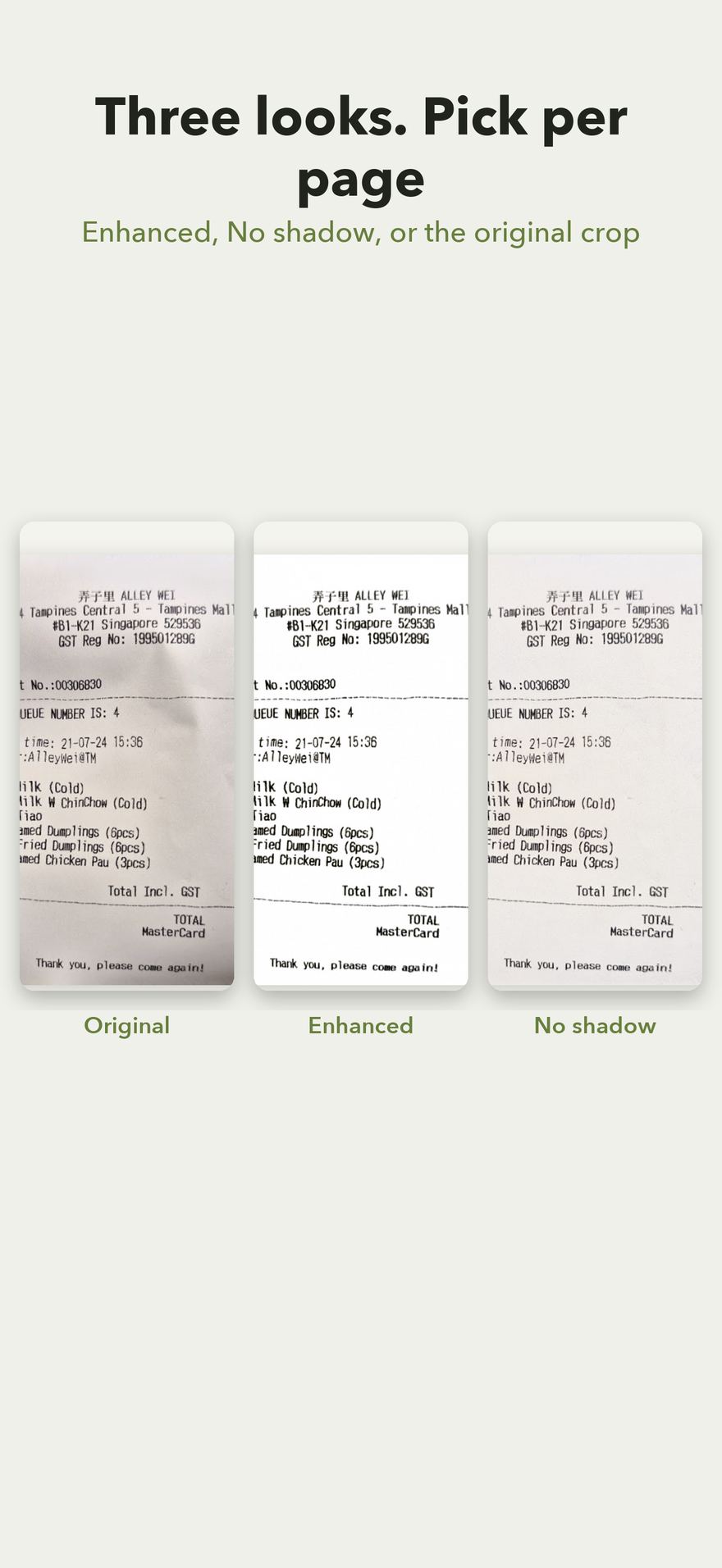
Enhanced drives the paper towards white and holds the ink dark — the scanned look. No shadow lifts the shadow your own hand cast and leaves the colours alone, which suits photographs and coloured pages. Original keeps the page as captured, just cropped and squared.
Flattens the curl
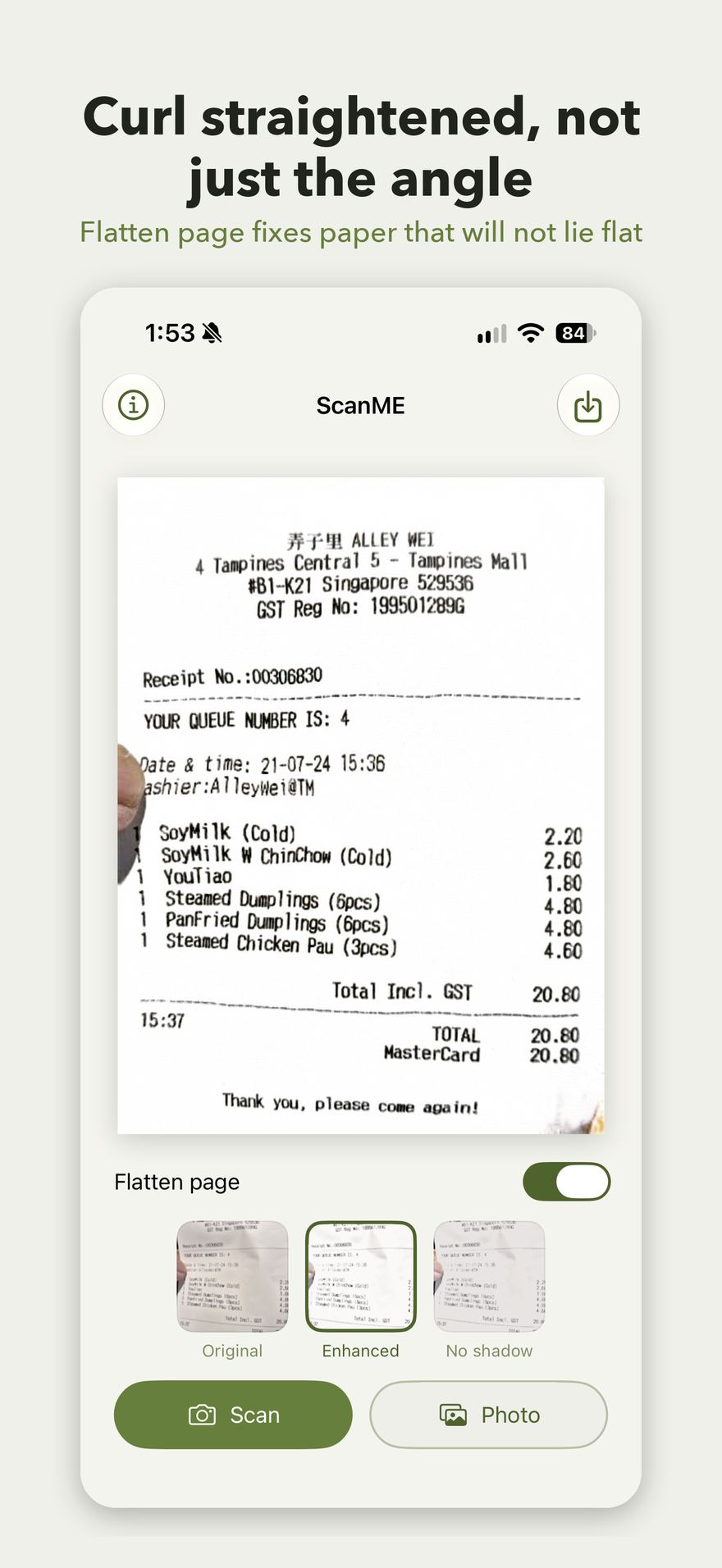
Straightens a book that will not lie flat, or a folded receipt: the curve of the paper is corrected, not just the angle of the camera. Off by default, because a genuinely flat page does not need it.
Several pages at once
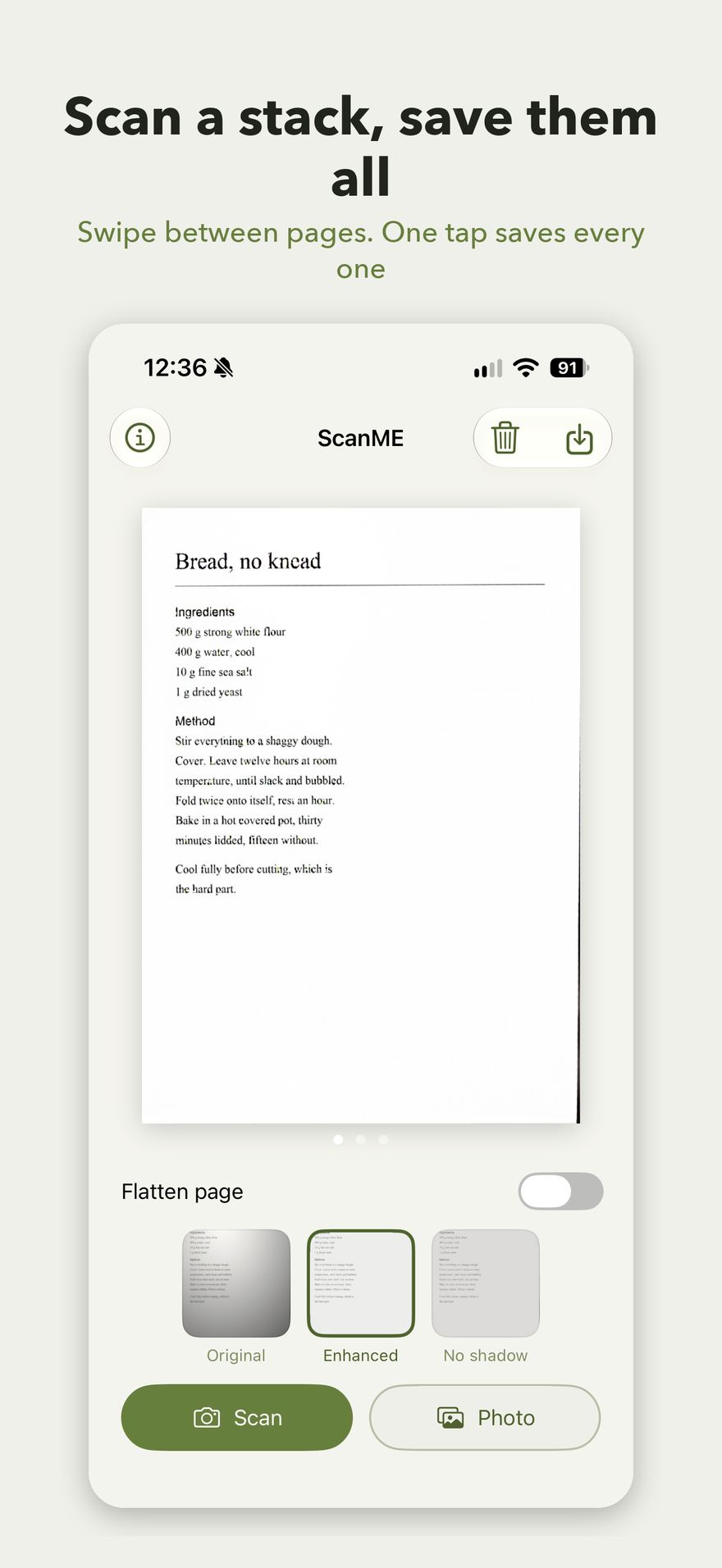
Scan or pick as many pages as you like and they stack up. Swipe between them; the mode applies to all of them, and Save writes every page in the order you see them.
Saves where you expect
Finished pages go into Photos as JPEGs, at the resolution your camera captured. Pinch to zoom in and check the small print before you save. Add-only access, so the app can put pages in without being able to read your library.
Private by construction
ScanME contains no networking code at all. There is no server to send a page to, no account to create, no analytics, no tracking and no ads. The models that do the work are bundled inside the app and run on your device — offline, in aeroplane mode, anywhere.
Free, with a tip jar
The whole app is free and stays free. No subscription, no watermark, no locked features, no page limit. If it saves you an afternoon there is a tip jar on the About screen. It unlocks nothing, deliberately.
Speaks your language
English, Simplified and Traditional Chinese, Japanese, Korean, Spanish, French, German, Portuguese, Dutch and Indonesian, following your phone's language setting.
Also from Birme, made for a desktop browser
Birme
Bulk image resizing made easy. In your browser, since 2013.
Birme PDF
Private PDF editing in your browser: combine, rearrange, annotate.